
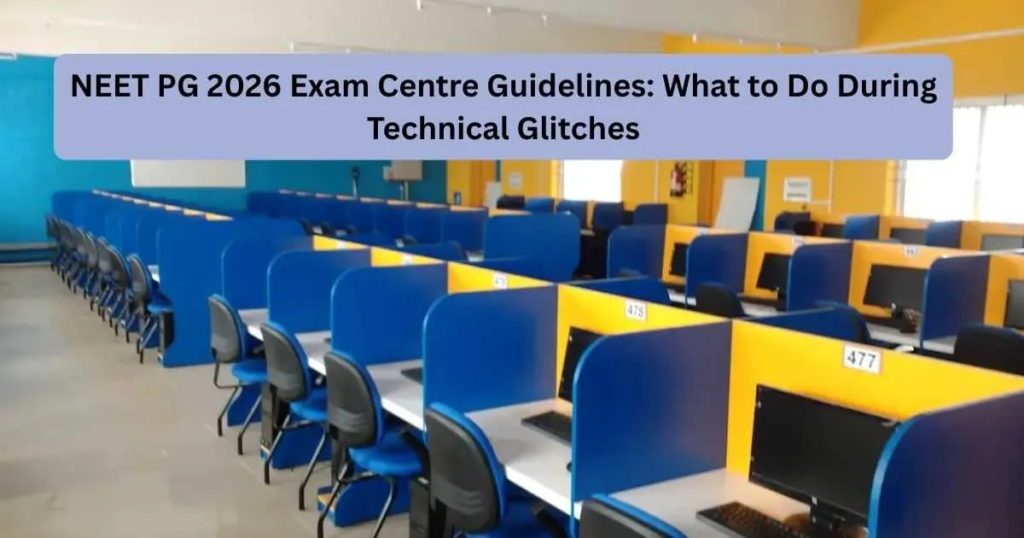
With NEET PG 2026 just around the corner, thousands of medical graduates across India are busy revising concepts, solving mock tests, and preparing for one of the most important exams of their careers. While candidates focus heavily on academics, many often worry about something that is completely out of their control—technical issues at the examination centre.
Since NEET PG is conducted in a computer-based format, questions related to power cuts, system failures, screen freezes, and server connectivity issues are common among aspirants. The good news is that the National Board of Examinations in Medical Sciences (NBEMS) has already put measures in place to ensure that candidates do not lose their examination time due to technical disruptions.
If you are appearing for NEET PG 2026, understanding these guidelines can help you stay calm and handle any unexpected situation confidently.
Why Candidates Should Not Panic During Technical Glitches
One of the biggest mistakes candidates make during an examination is panicking when something unusual happens. Whether it’s a frozen screen or a temporary power outage, anxiety can affect concentration and performance.
NBEMS has clarified that candidates will not lose their allotted examination time because of technical disruptions. Dedicated IT support teams and invigilators are available at examination centres to resolve issues quickly and ensure fairness for all candidates.
The key is simple: stay calm, follow instructions, and immediately inform the examination staff.
What Happens If There Is a Power Failure?
Imagine you’re attempting an important question, and suddenly the computer screen goes blank due to a power outage. Naturally, this can be stressful.
However, NBEMS has clearly stated that candidates do not need to take any action if a power failure occurs after logging into the examination system.
Here’s what happens:
- The examination timer automatically stops.
- Your responses remain محفوظ and protected.
- Once power is restored, the exam resumes from the exact point where it stopped.
- No examination time is deducted from your allotted duration.
This means candidates will receive the complete examination time even if a power disruption occurs during the test.
What If Your Computer Gets Locked?
Another situation that candidates may encounter is a locked computer screen.
This usually happens when the candidate’s system loses connectivity with the primary server. While it may look alarming, NBEMS has established a standard process to handle such cases.
If your system gets locked:
- Raise your hand immediately.
- Inform the invigilator.
- Wait for assistance from the IT manager.
- The IT manager will verify your identity and unlock the system.
- The examination timer will continue from the exact point where it stopped.
Candidates should never try to fix the issue themselves by pressing random keys or attempting to restart the system.
Screen Flickering, Mouse Problems, or System Hanging?
Technical issues are not always major. Sometimes candidates may experience:
- Screen flickering
- Mouse malfunction
- Slow system response
- Repeated freezing
- Unexpected system hanging
If you notice any of these problems, report them immediately to the invigilator.
After verification, the IT support team may either resolve the issue on the same system or shift you to another computer if required.
The most important thing to remember is that your exam time will be protected even during this transition.
Can Candidates Be Shifted to Another Seat?
Yes.
If the technical problem cannot be resolved immediately, examination authorities may move the candidate to a buffer seat.
A buffer seat is an alternative computer workstation kept ready for emergencies.
This process helps candidates continue their examination without significant interruption.
Candidates should:
- Cooperate with examination staff.
- Follow instructions carefully.
- Avoid arguments or unnecessary panic.
- Resume the examination once the system becomes available.
The transfer process is designed to be smooth and fair for all candidates.
Important Things Candidates Should Never Do
During a technical issue, some candidates make mistakes that can create additional complications.
Avoid the following actions:
Do Not Restart the Computer Yourself
Only authorized IT personnel are allowed to handle examination systems.
Do Not Leave Your Seat Without Permission
Wait for instructions from the invigilator.
Do Not Discuss the Problem With Other Candidates
Communication inside the examination hall is restricted.
Do Not Panic
Remember that your examination time remains secure.
Do Not Press Multiple Keys Randomly
This may worsen the issue or create confusion during troubleshooting.
Security Measures at NEET PG 2026 Exam Centres
Apart from handling technical glitches, NBEMS has also implemented several security measures to ensure a fair examination process.
These include:
- CCTV surveillance
- Biometric verification
- Candidate frisking
- Signal jammers
- Live monitoring through command centres
- Advance verification of examination centres
- Real-time supervision by observers
These measures help maintain transparency and prevent unfair practices during the examination.
Quick Tips for Exam Day
To avoid unnecessary stress on the examination day, keep these tips in mind:
Reach Early
Arrive at the examination centre well before reporting time.
Read Instructions Carefully
Follow all exam-day guidelines mentioned in your admit card.
Stay calm.
A calm mind performs better than an anxious one.
Inform Staff Immediately
Never ignore a technical issue.
Trust the Process
NBEMS has systems in place to ensure no candidate is disadvantaged because of technical disruptions.
Final Thoughts
Technical glitches can happen in any computer-based examination, but they should not become a reason for stress. NEET PG 2026 candidates can take comfort in knowing that NBEMS has established clear procedures to deal with power failures, server issues, locked systems, and hardware malfunctions.
The best approach is to stay composed, alert the invigilator immediately, and follow the instructions provided by the examination staff. Your examination time will be protected, and the support team will ensure that you can continue the test smoothly.
At this stage, your focus should remain on preparation rather than worrying about unexpected situations. Stay confident, trust the process, and give your best effort on exam day.
Book your Free consultancy: 9350777177 / https://reliablestudy.com/
– Content Writer and SEO – Riya Singh
All right reserved – Reliable Study / https://reliablestudy.com/
FAQs
Immediately inform the invigilator and wait for instructions from the IT support team.
No. The examination timer stops during the disruption and resumes once the issue is resolved.
No. Only authorized IT personnel can handle technical issues.
The IT manager will verify your identity and unlock the system, and your exam will continue from the same point.
Yes. If required, you may be moved to a buffer seat so that the examination can continue smoothly.